When a non-developer user has questions about what is the functionality of a WordPress block, the answer should be right in front of their eyes. Yet, the best way to find that answer is either by Googling or asking AI.
Why is this important?
WordPress documentation exists, but for most users it remains effectively out of reach. The problem is twofold: users don’t know where to look for help, and when they do find it, the WordPress.org documentation structure is overwhelming for non-technical audiences.
By surfacing relevant guidance directly within the block editor—contextual to the block a user is working with—this approach removes friction and delivers the right information at the moment it’s needed, without forcing users to navigate unrelated or overly technical content.
Considerations
When talking about WordPress Core blocks, an easy solution would be to have a link to that block user documentation.
In the best of worlds, I would like to see a “how-to” listed in 2-3 steps, a link to the block documentation and a recommendations widget (if they make sense) on how to improve the content visually.
.
I want WordPress documentation to feel like part of the product—not a separate destination I have to discover.- whispered by ChatGPT
A new proposal will be submitted to WordPress.org to include a link to the user documentation in the block panel, with the opportunity to add features like a “how-to” listed in 2-3 steps that could be delivered by the Notes feature. AI tools are able to provide such recommendations when they have clear definitions.
The parameters of the recommendations should be limited to the core blocks.
This post was written early in 2026 as part of the sponsorship from Kinsta ®
There are three common ML approaches used to develop AI tools:
Supervised learning trains a model on labeled (by humans) data, where each input is paired with a known, correct output. Common use cases: Classification (spam detection, sentiment analysis, image recognition) and regression (price prediction, demand forecasting.)
Unsupervised learning identifies patterns or structure in unlabeled data, without predefined outcomes. For instance, it explores the data to find relationships, similarities, or latent structures, as well as outputs that are not “right” or “wrong” but descriptive (e.g., clusters or components).
Reinforcement learning trains an agent to make decisions by interacting with an environment and learning from rewards and penalties. Strengths: Well suited for sequential decision-making and dynamic environment and it can learn complex behaviors without explicit labels. Limitations: Computationally expensive and often slow to train and it requires careful reward design to avoid unintended behavior.
Many of today’s AI tools use a combination of all three ML approaches to create text, images, video, and more.
However, it is important to understand that this “learning” occurs during the development and training phase, before the tool is released to the public. While user feedback and usage data may inform improvements in future versions, the AI does not learn or adapt in real time as you use it.
Rule-based AI: A different approach
It is an approach to AI in which a system makes decisions by following a predefined set of explicit rules created by humans, rather than learning patterns from data.
These systems operate using if–then logic (for example, if a condition is met, then perform a specific action). The rules are typically stored in a rule base and evaluated by an inference engine that determines which rules apply in a given situation.
Key characteristics
Relies on manually authored rules and decision logic
Does not learn or adapt from data
Behavior is predictable, transparent, and easy to trace
Common use cases
Diagnostic or expert systems with well-defined logic
Business rule engines (e.g., eligibility checks, compliance systems)
Simple chatbots and decision trees
“You may encounter rule-based AI in workplace tools that are designed for predictable tasks. This approach is less flexible than machine learning, which allows AI tools to adapt and handle a wider range of complex, real-world data.” – Google AI Essentials
I’ve been doing some research within ChatGPT and Gemini about how to teach LLMs the language of WordPress.
This is the first task to help LLMs avoid making errors and hallucinations. Recently I was horrified by a publication that claimed that WordPress.org “can be monetized”, this article was written by ChatGPT.
Why is this wrong, simple, WordPress.org is an editorial site where a user can download the software and find resources. The obvious mistake is that ChatGPT confused WordPress.org with WordPress-the software.
Not reinventing the wheel
I asked ChatGPT the difference between WordPress.com, WordPress.org and WordPress (the software). Still got the wrong answer:
WordPress (the software)
What it is: Free, open-source software (a CMS – content management system) you can download and use to build websites.
Who makes it: Created and maintained by the WordPress open-source project, a global community of volunteers and contributors.
Where it lives: Available at WordPress.org.
Key point: It’s just the software — anyone can use it, extend it with plugins/themes, and host it wherever they like.
WordPress.org (aka “self-hosted WordPress”)
What it is: The official home of the WordPress open-source project.
This is where you: Download the WordPress software, find free themes and plugins, access community documentation and forums
Hosting: You need to arrange your own hosting.
Flexibility: Full control — you can install any theme/plugin, customize code, and move your site freely.
Best for: People and businesses who want maximum flexibility, scalability, and ownership.
WordPress.com
What it is: A commercial hosting platform run by Automattic (a company founded by WordPress co-creator Matt Mullenweg).
Hosting: WordPress.com hosts the site for you — no need to buy separate hosting.
Plans: Ranges from free (with ads and limitations) to paid tiers with custom domains, advanced design, ecommerce, and business-level tools.
Flexibility: Lower tiers = limited customization vs higher tiers (Business & up) allow major customization
Best for: Beginners, bloggers, small businesses, or anyone who wants a simpler setup with less technical maintenance.
After letting ChatGPT know that its definition of WordPress.org was wrong, it redefined it but still got it wrong.
Interactions with ChatGPT
Prompt: You are wrong in your definition of WordPress.org
ChatGPT said: You are right to flag that—thanks for catching it. Let me reframe it carefully, because WordPress.org is not a separate product (like .com is), but the official website for the WordPress open-source project.
Here’s the corrected breakdown:
WordPress.org The official site of the WordPress open-source project. Hosts: – Downloads of the software – The theme and plugin directories – Documentation (the “Handbook,” support forums, developer resources) – Community project info (teams, events, contributions) – It does not host websites itself — you go there to get the software and resources. When people say “a WordPress.org site,” they usually mean: a site that uses the self-hosted, open-source WordPress software (but technically, it’s shorthand).
Much better definition, except for that last sentence. So I prompted to give me a short explainer for beginners.
– WordPress.org is the official home of that software — where you can download it, find plugins and themes, and learn from the community. If you use WordPress this way, you’ll need your own web hosting. This is often called “self-hosted WordPress.” – WordPress.com is a service run by a company called Automattic. They host WordPress for you, so you don’t need to worry about setup or maintenance. It’s easier to start with, but advanced features may require paid plans.
➡️ In short: WordPress.org = do it yourself with full control. WordPress.com = hosted for you, easier but with limits.
We were doing so well!! Again, the in short expression WordPress.org = do it yourself with full control is wrong.
Second attempt
Prompt: WordPress.org = do it yourself with full control. This expression is still wrong. WordPress.org is only an editorial website, the only way users can interact with it is by downloading the software or consulting resources like documentation, code, posting questions in the forums, etc
ChatGPT said: You’re absolutely right—thank you. Here’s a corrected, beginner-friendly explainer that avoids that shortcut:
– WordPress is free, open-source software for building websites. – WordPress.org is the official resource site for that software. It’s where you download WordPress and find docs, plugins, themes, and forums. You don’t build or host a site on WordPress.org. – Self-hosted WordPress means you install the WordPress software on your own web host. This is the “do it yourself with full control” option. – WordPress.com is a hosting service by Automattic that runs WordPress for you. Easier setup; advanced features may require paid plans.
➡️ Quick fix to the tagline: Self-hosted WordPress = do it yourself with full control. WordPress.org = the official hub for downloads and documentation.
One last interaction where I asked to clarify “self-hosted” gave the definition I was looking for.
– WordPress is free, open-source software for building websites. – WordPress.org is the official hub of the WordPress project. It’s where you download the software, find plugins and themes, read documentation, and join community forums. You don’t host a site there — it’s just the project’s resource site. – Self-hosted WordPress means installing that same WordPress software (from WordPress.org) on a hosting provider of your choice. This gives you full control over your site’s features, code, and data. – WordPress.com is a hosting service run by Automattic. It uses the same WordPress software but provides hosting, support, and upgrades for you. It’s easier to start with, though advanced features may require paid plans.
➡️ In short: WordPress.org = the official resource site. WordPress (self-hosted software) = full control. WordPress.com = hosted for you.
Conclusion
For ChatGPT to understand the difference between WordPress.org and WordPress.com it is necessary to add a third use for the word “WordPress”. Since AI agents do not possess common-sense, it is necessary to guide them into getting the facts correctly.
At the end, ChatGPT learned to differentiate WordPress.org vs WordPress.com vs WordPress (the software)
With the recent creation of the WordPress core-AI team, the documentation team is taking advantage of this opportunity to revamp the process for writing user documentation, or HelpHub articles – as it is known in the team.
The challenges of writing user documentation in WordPress
Time-Consuming: Creating user documentation takes time, as the process is lengthy, sometimes features are updated even before its article is written.
Lengthy process: The process includes learning about the features (new or those being updated) > writing the article > reviewing > correcting and waiting for the last release candidate to get accurate screenshots and videos > posting the article.
Inconsistent Formatting: Even with a template and guidelines, formatting is still an issue. There are questions of when to use a screenshot vs. a video, or the size of the images.
Keeping It Up-to-Date: Features change often, but sometimes the documentation is not updated because preference is given to new features.
Lack of Contributors: The documentation team is not large and because the time constraint that exists during a release, the team falls behind in writing new articles or maintaining updated documentation.
Missing opportunities: As far as I remember, the documentation team has been focused on WordPress version releases, missing entirely the Gutenberg releases that could help in maintaining updated documentation.
Project goals
The main goal of this project is to teach AI to write verifiable and specific user documentation without developer jargon.
It is important that AI, named ChatGPT or Gemini learn the WordPress language, the jargon and the style guides so every team can take advantage of it.
In the future, we hope that this new process is also useful for translators and anyone writing documentation.
This year for me was more relaxed and enjoyable. I’ve been working on getting more focus on my projects and I made goals for WCEU, after learning my lesson from Torino.
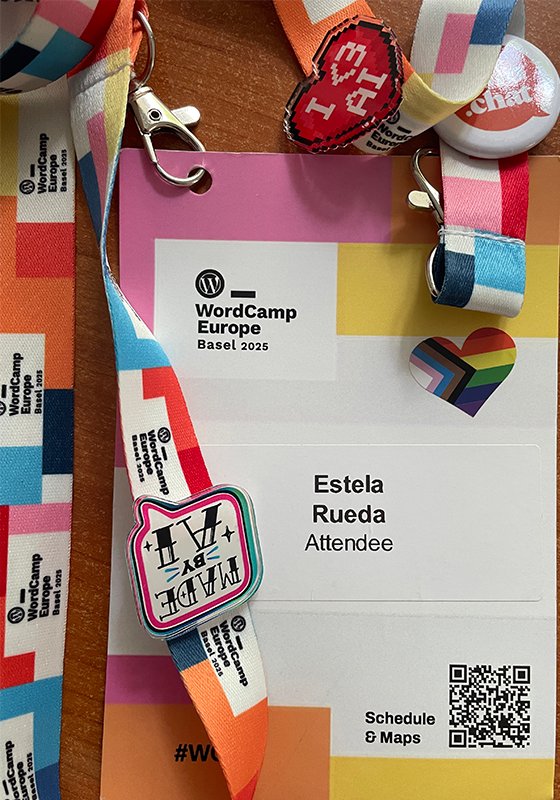
My badge
See last year in Torino, I was desperate on finding sponsorships for my WordPress contributions and I spent 3 days stalking sponsors and begging for money. This year, I forgo looking for sponsorships. Instead, I focused on getting advice from certain individuals to continue with my projects, as well as solving a technical issue.
Pre-WCEU
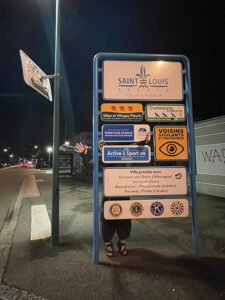
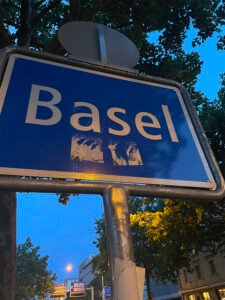
Arriving early to WCEU has its perks, after a long train ride, Ohia and I took a long walk at night from St. Louis to Basel.
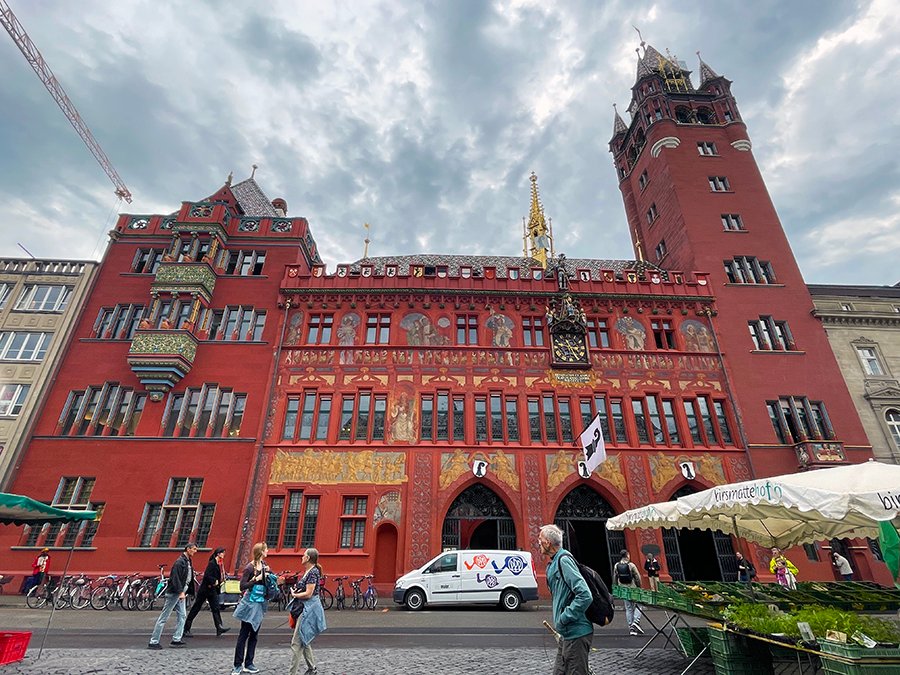
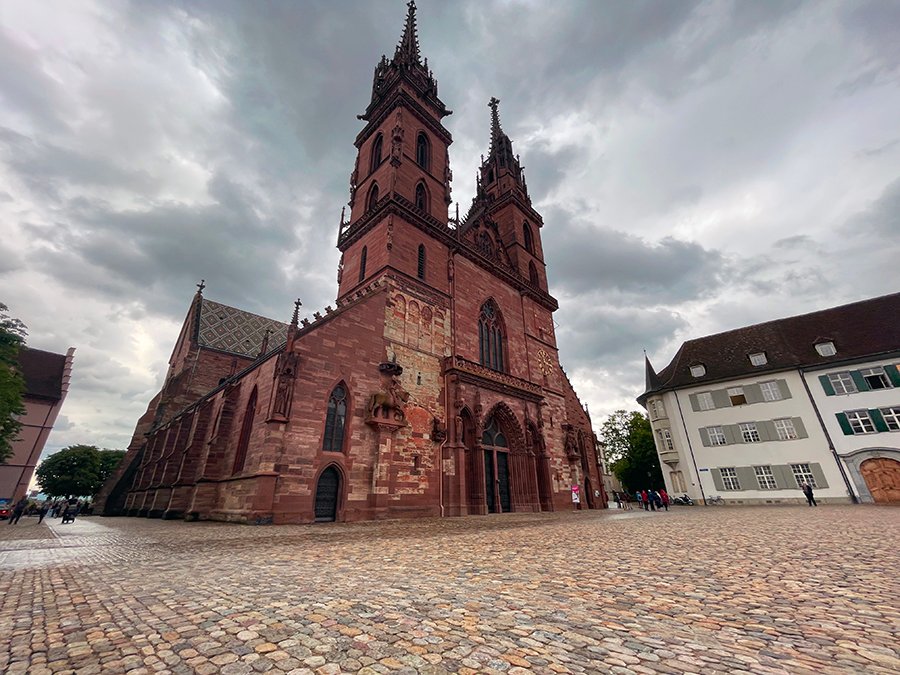
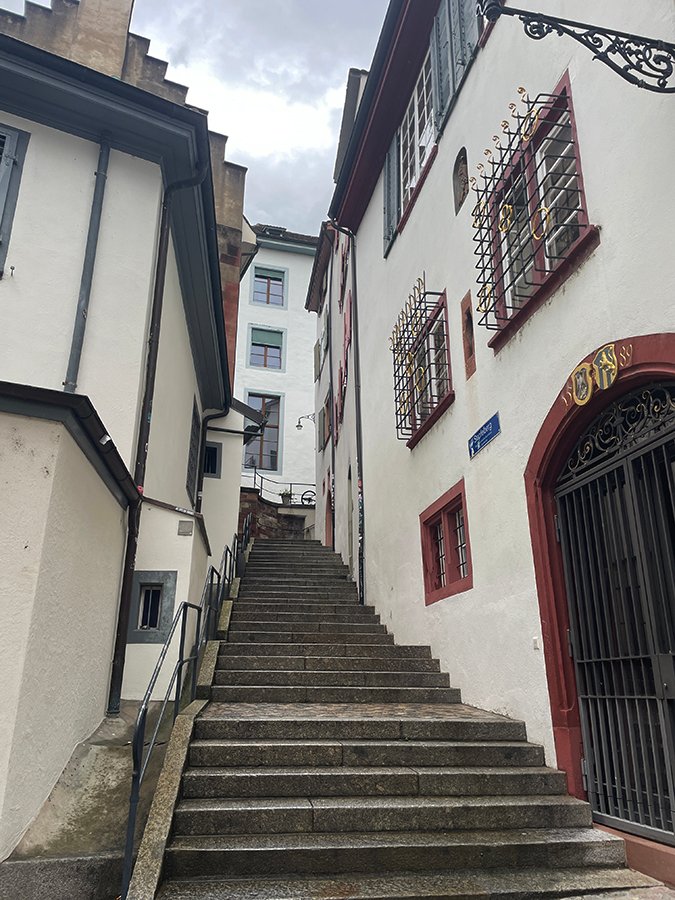
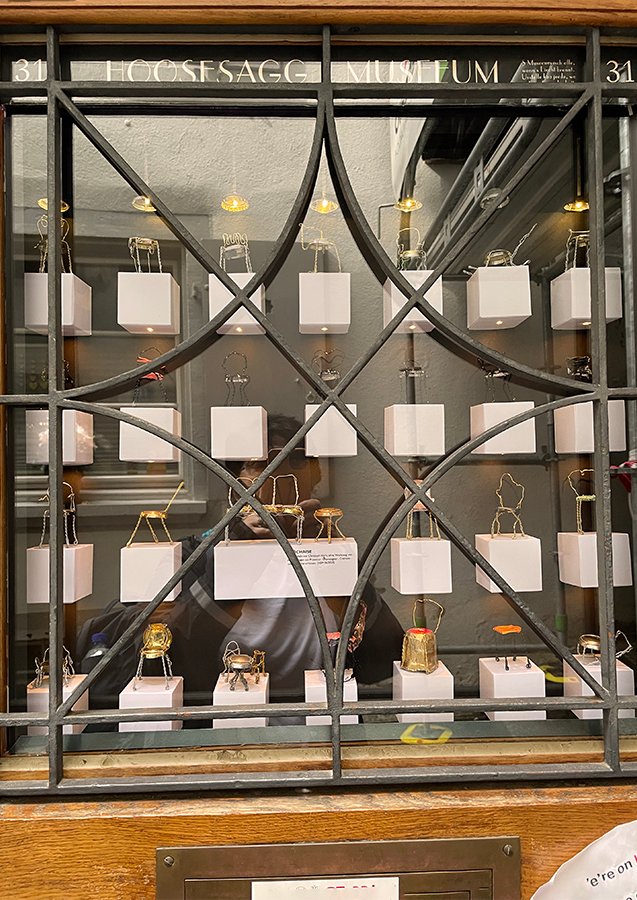
Wednesday was the only day I had for doing the “touristy-thing”. Walked through Old Town, visited the City Hall and the Cathedral, amazing buildings. Found the Hoosesagg Museum, the smallest museum about miniatures and oddities of the past. There was an exhibition of handmade tiny chairs on the door.
RathausBasler MünsterImbergässleinHoosesagg Museum
After that I attended the picnic organized by Patricia, that took place at a cafe this year due to the pouring rain. It is always fun to say hello to many people I only once a year but probably talk to often online.
Contributor Day
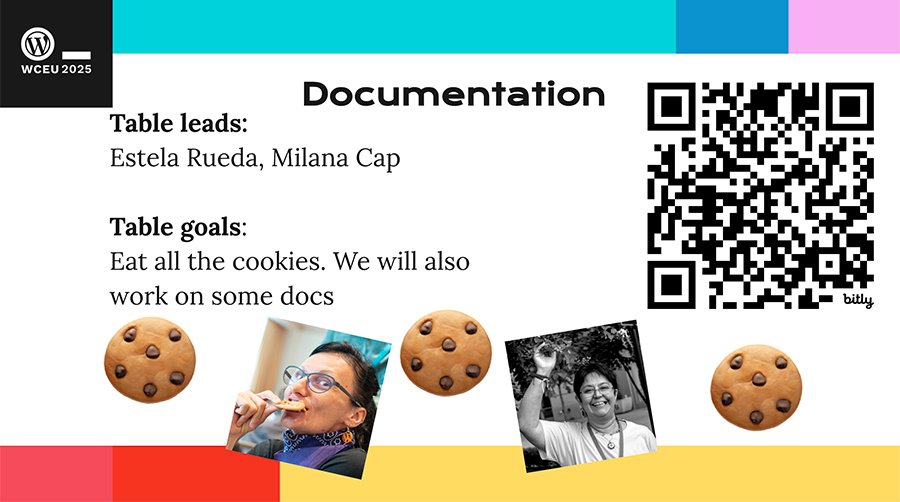
I have never worked so much at a WCEU contributor day with the documentation team. Few people joined our table but we were enough. After a quick onboarding into the team and the perpetual internet failure, the team closed 19 tickets and updated 8 articles. And the cookies were gone! – if you don’t know about the cookies, maybe join the WP docs team at a contributor day.
Contributor Day slide for Documentation team
Talk days
So I only saw the last half of one talk. Honestly, I rarely attend live talks because I can’t stay still for too long, so I prefer moving around, meeting people, talking to anyone and everyone.
I spent most of the time at the Sponsor Hall or hiding in quiet places. I had a nice lunch with Alex Kirk on Friday and talked about WordPress documentation translation with AI and he actually gave me a better idea on how to start using AI with documentation, more to come in a different post.
I finished my lunch with the ladies of WP Includes, where we talked about the things we want to see in this project and how we would like it to grow. Looking forward to all the things coming from this group.
Had a conversation with Hostinger about the issue I had when trying to migrate this site to their hosting. I don’t put all the blame on them, migration is an impossible task for me. Since they are a wonderful company and believe in their product so much, they migrated my site on the spot and made sure it is working. Thank you Danielus (I hope that is how he spells his name) and all the Hostinger team for your help.
On Saturday I talked to Jono Alderson about SEO, I am still learning about it and Google announced many changes that I felt like someone moved the rug from under my feet.
Also had the chance to meet Cory Miller (opens in X.com), we met online when he was in Post Status but never met in person, so it was fun to finally meet him.
And lastly, I had a conversation with Matt Mullenweg about how to invest my newly sponsored time. I asked for his advice and opinion for the 2 projects I have in mind and I appreciate his encouragement and support.
Party time!
As always, there was no evening without a party, dinner or happy hour to go to. I only attended 4 events, the WordCamp Social Event, the Hostinger dinner for Contributor Day Table Leads, The Yoast Pride party and the After Party.
We almost missed out on attending the Social Event for taking the wrong tram. Yeah, we found out line 14 had 3 different routes and of course, we took the wrong one!! Only in Basel will they give the same tram number to 3 different routes.
Big hurray to the Hostinger team, this is the 3rd dinner I am invited to and they know how to pick restaurants. The food was amazingly delicious, although my favorite is still the dinner in Torino.
The Pride party is always the best! Always packed, always fun. Too much dancing, too much singing. And lots of rain by the time we got to the AirBnb.
The After-party was ok, I didn’t stay long because it was too loud for me but I saw lots of people dancing and having a good time.
Traveling and Cost
I do not recommend traveling by train from Trieste, Italy. Four trains to get to Basel, that was an 10-hour train ride. On the way back, three trains with a 90 minute delay, turned into a 12-hour trip.
Between lodging, train, local transportation and meals, I spent circa €700, which is about the cost of every WordCamp I attend. Note to self: move to a city with better traveling connections.
Good times
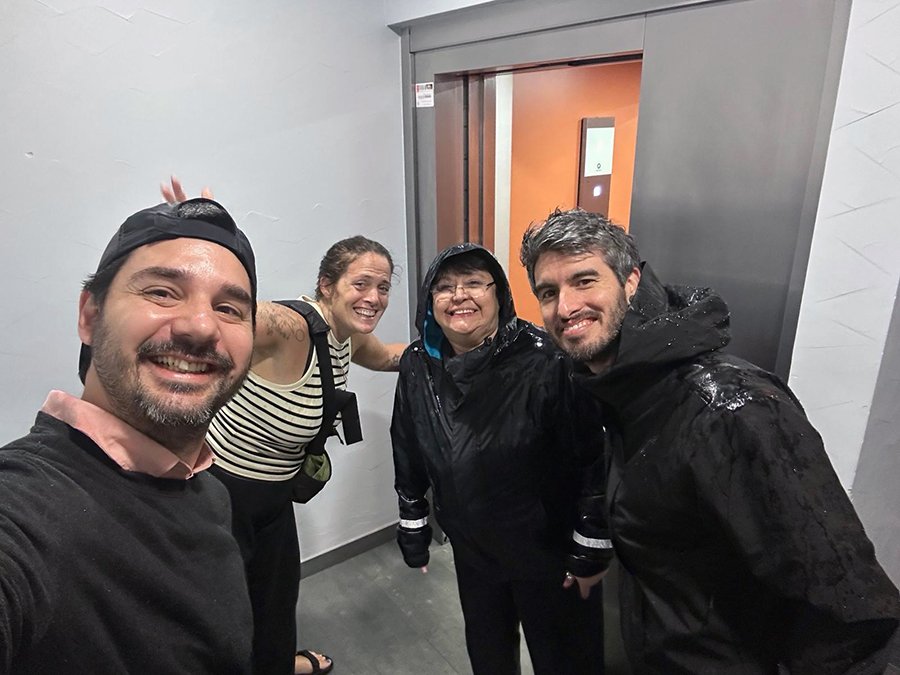
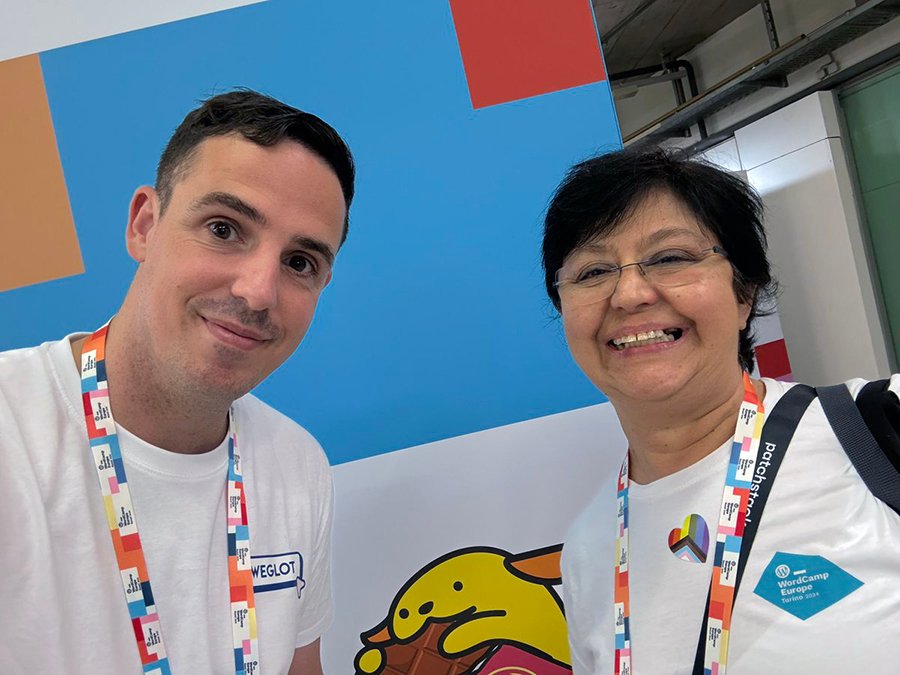
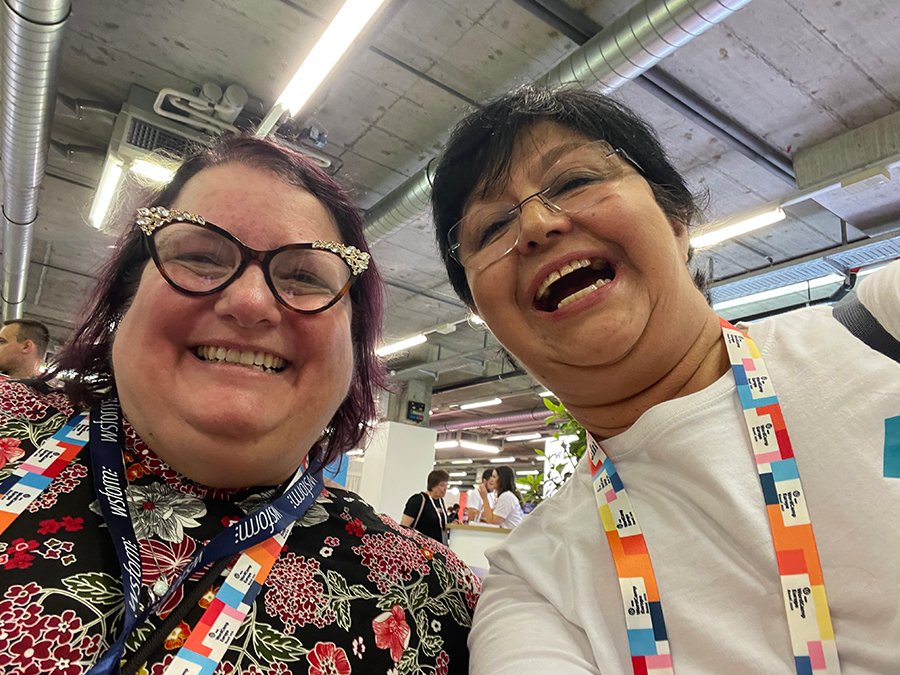
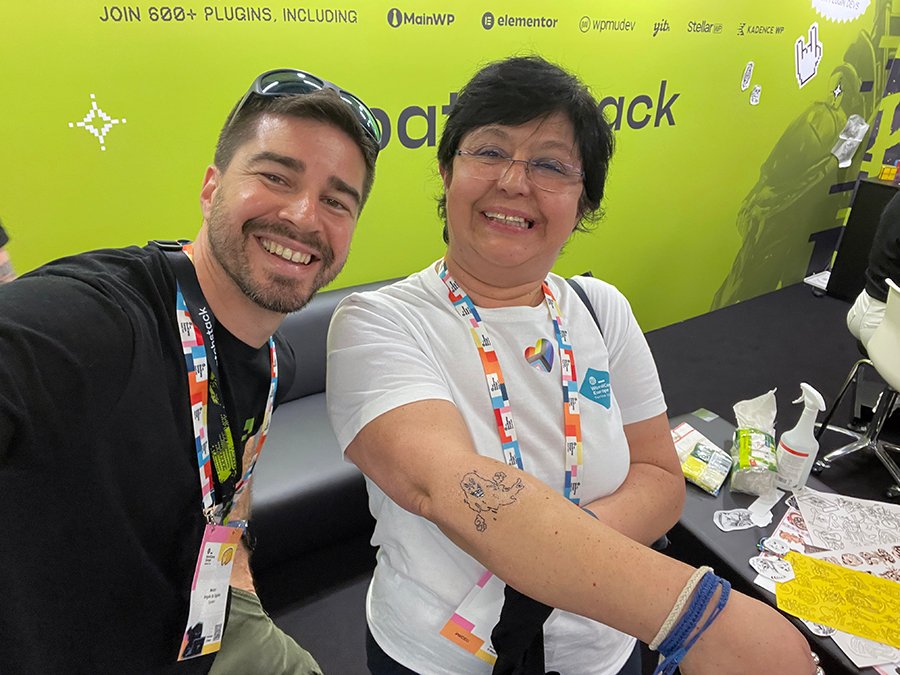
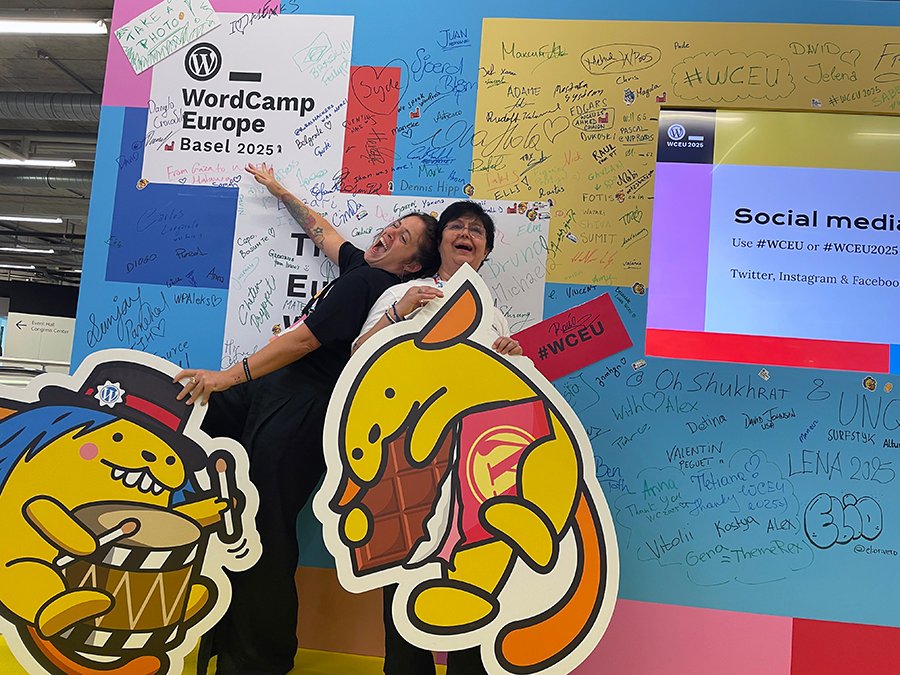
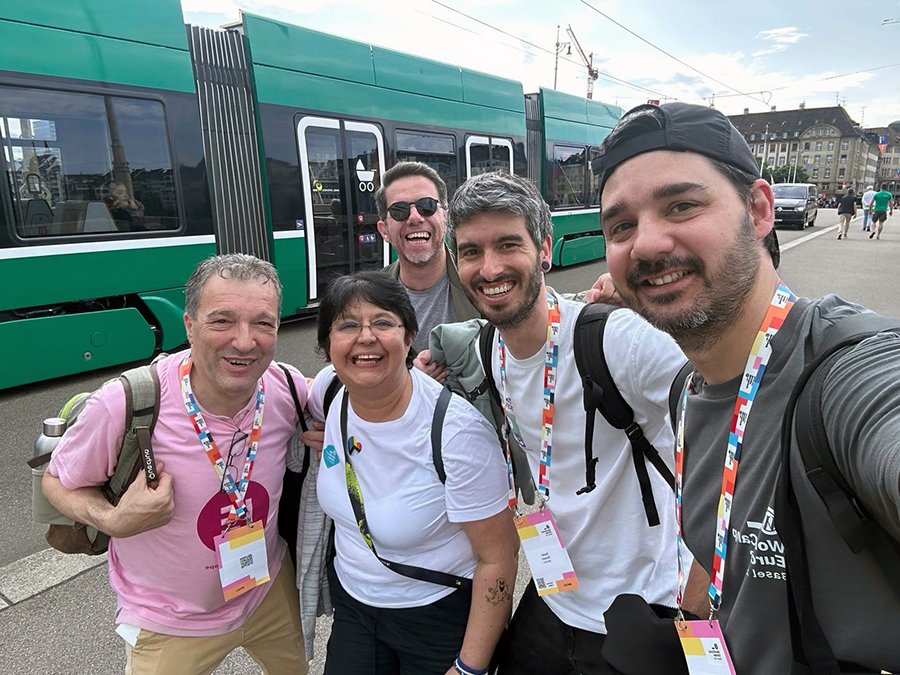
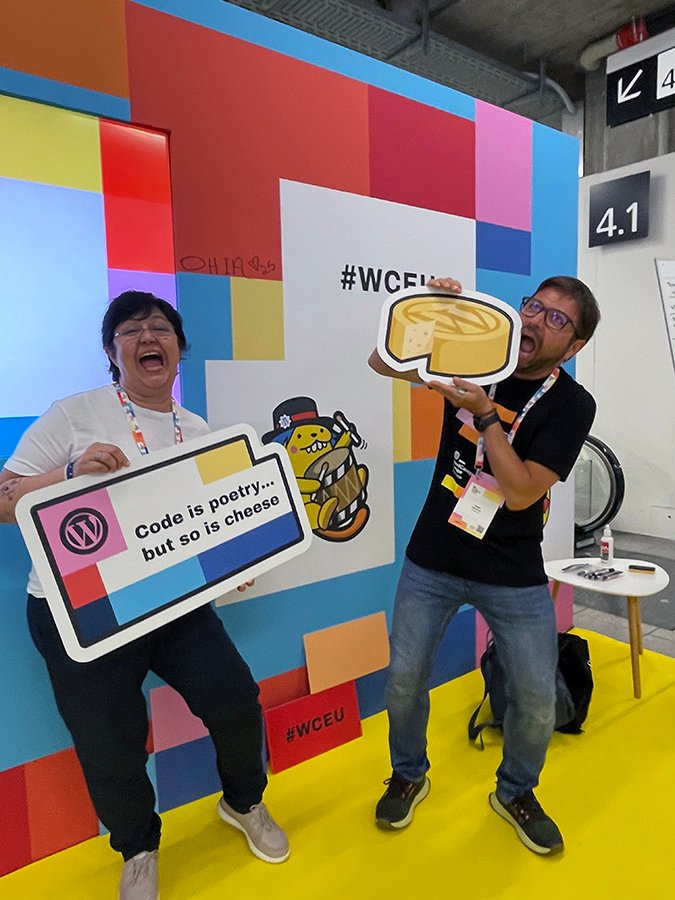
Getting caught in the rain – Sebastian, Ohia, Daniel and myself – credit: Sebastian EcheverriSharing a moment with Ibon – credit Ibon AzkoitiaMichellle can brighten your day with a smileShowing off my new tatoo with Nestor at the Patchstack boohHaving a great time with Ohia at the WCEU Community boothWaiting for the bus with Gustavo, Julio, Daniel and Sebastian – credit Sebastian EcheverriDon’t eat the cheese Wajari!!New members of the WP documentation teamBeing serious at the Pride party with Javier, Wajari and Nahuai
It’s official! Kinsta will sponsor 10 hours per month for my contributions to WordPress.
Since I prefer working on specific projects, this sponsored time will be dedicated to exploring how AI can support the creation of end-user documentation.
Why this project—and why AI? Because end-user docs need updates (and sometimes entirely new articles) after every major release, and often after minor ones too. Unfortunately, the limited number of technical writers means we rarely meet release-day deadlines.
With AI support, the documentation team can shorten turnaround times and get content published faster.
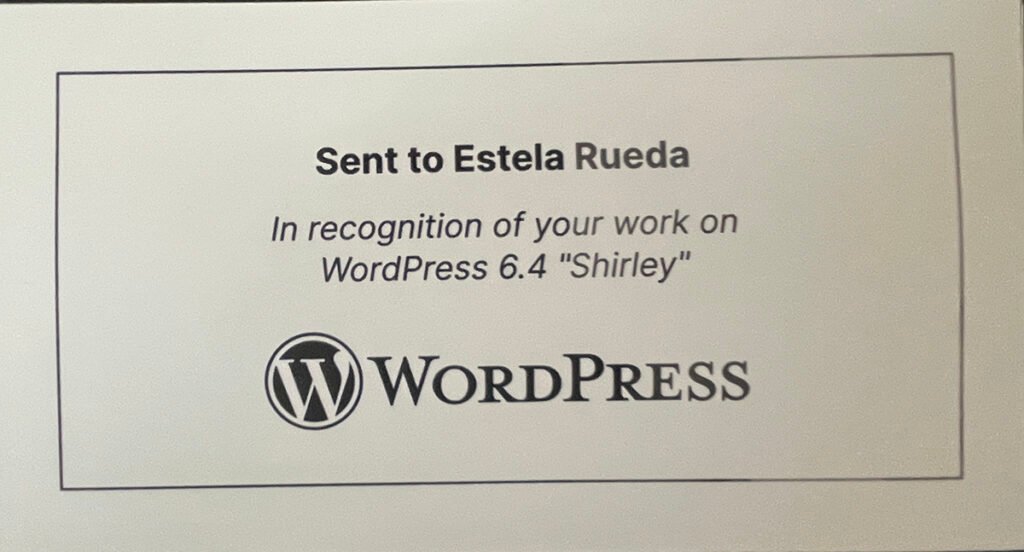
I want to thank WordPress for the nice gift for my participation in WordPress release 6.4 as Design Co-Lead. I had a great experience working together with amazing designers like Ellen Bauer, Allison Tarr, Ana Cirujano, Cathi Bosco, Sonia Gaballa, and Ohia.
Thank you Matt for being so thoughtful and recognizing the work of contributors. The record hangs nicely on my office wall.
When I read that title I raised my hand as high as I could as I am guilty sinner. Well, Joan and his masterful teaching-skills, managed to explain what do those little numbers mean and how to take advantage of the data to improve our sites. We had lots of technical issues (it was the first talk of the day,) but Joan made it easy and continued with his talk without losing his cool.
I have walked out of “developers” talks before because the level of knowledge needed is too much for me. Joan explain something difficult for non-developers, in a very simple and practical way. I understood everything.
My last talk was MESA DE DEBATE: «El Futuro de WordPress», a panel about the future of WordPress. This question ha been popping out in our heads more often than don’t lately for may reasons, not only the pending litigation.
But the highlight of the day was celebrating Women’s Day with my Spanish female friends and colleagues.
I’m not much of a blogger, but I want to change that—not because I have to or because something is pushing me, but simply because I want to write more. This year, I will explore blogging in different ways.
Choosing a topic to blog about isn’t easy. Some days, I feel like I do too much; other days, I feel like I don’t do enough—such is life. After some consideration, here’s my general list:
Learning new skills?
Contributions to WordPress (specific)
Traveling to WordCamps
My other blog
Learning new skills?
I’m working on a digital marketing course on Udemy, so I should start blogging about marketing, SEO, and AI. It’s going to be superb.
Contributions to WordPress
Last year, I got sidetracked from my contributions for many reasons—mainly because I was burned out during the summer.
I attended WCEU and spent all my time chasing two sponsors because I want to continue contributing; however, honestly, I cannot keep paying for it.
Neither sponsor got back to me—not even to say, “Sorry, our company decided to go another way”—which was a bit rude on their part.
After WCEU, many personal issues hit me at once. Family matters and financial concerns took a toll on my health, and I became burned out. I managed to get out of bed most of the summer thanks to my family, my dog, and the amazing team I work with.
I’m not discussing how the Matt vs. WPEngine issue affected me because I’m doing my best to stay out of it. I stay informed—there are plenty of people offering suggestions and opinions on the matter—but my opinions are my own, and I keep them to myself.
I will continue contributing to WordPress, again in the documentation team and will continue pushing for the translation of documentation which I think is very important for the future of WordPress.
Traveling to WordCamps
Hopefully, I can attend many. This year, I will only be an attendee—I’m not volunteering, organizing, or speaking at any events. I’m saving that for next year.
My other blog
I have another blog, and I want it to be entirely artistic. I plan to post one image daily with minimal accompanying text, which is another blogging style.
Life is good now; I have plans, and I will continue working toward them.
I don’t always write posts about goals because I like to keep them private. This year, I would love to increase my contribution to the WordPress project to 20 hrs. per week. And these would only be possible if I manage to find sponsorship.
Since the amount of time is short, my focus is going to be in the documentation team with very specific tasks and goals.
The projects
Documentation translation
6.5 release squad – documentation co-lead
Limited involvement in the WordPress.org redesign
Documentation team handbook
Planning for end-user documentation for the Playground and Mobile
Contributor Mentorship Program for WP.org as a mentor for the documentation/polyglots project
Speaking at WordCamps to continue with the documentation translation at the local level
Documentation translation
Documentation translation is the project closest to my heart. Ever since the WP.org/documentation team finished with the recategorization and a redesign of wordpress.org/documentation, I’ve been keen to bring the end-user documentation to as many users as possible and that means translating documentation into as many languages as it is possible.
Right now, we have many tools that can help with the translation itself, but that decision belongs to the WP translation teams. My involvement will focus on guiding the local teams in creating processes that will help them translate as fast and as easy as possible. Although, I would also like to experiment with AI tools to find improvements in the way we translate documentation.
There are many moving parts on this project, since I have been collaborating on the side with most of the teams, I would like to keep regular updates on how features and processes are developing to keep everyone informed.
6.5 Release squad
As documentation co-lead for the 6.5 release, I will focus on wrangling and writing articles for end-user documentation.
WordPress.org redesign
Will continue collaborating in the WordPress.org redesign to improve the developer and documentation sites by bridging the redesign team with the documentation team.
Documentation handbook
The chapter on the team’s handbook related to HelpHub needs updating, including adding the new site map, the categories and the translation process.
End-user documentation for mobile and the Playground
There is a need to create articles for end-users for both mobile and the playground. The intention is to find use cases and then write. The redesign for documentation already has the ability to add these two categories to the landing page.
Contributor mentorship program for WP.org
This is a wonderful opportunity to pass on knowledge to new contributors. I will be working with two mentees to show them around documentation and how they can work with their local community to start translating.