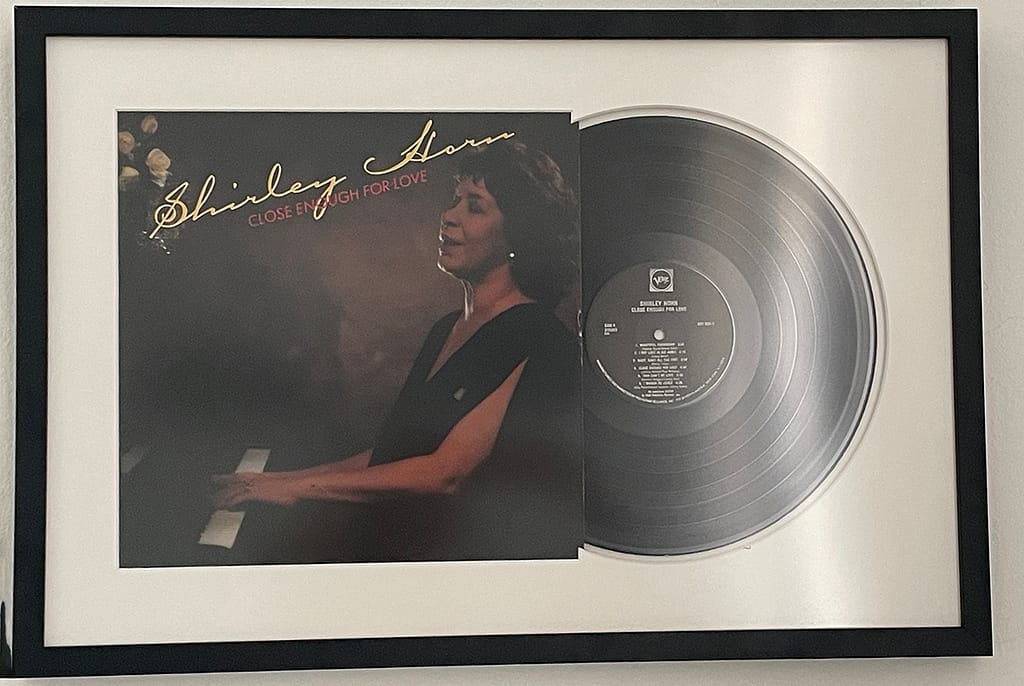
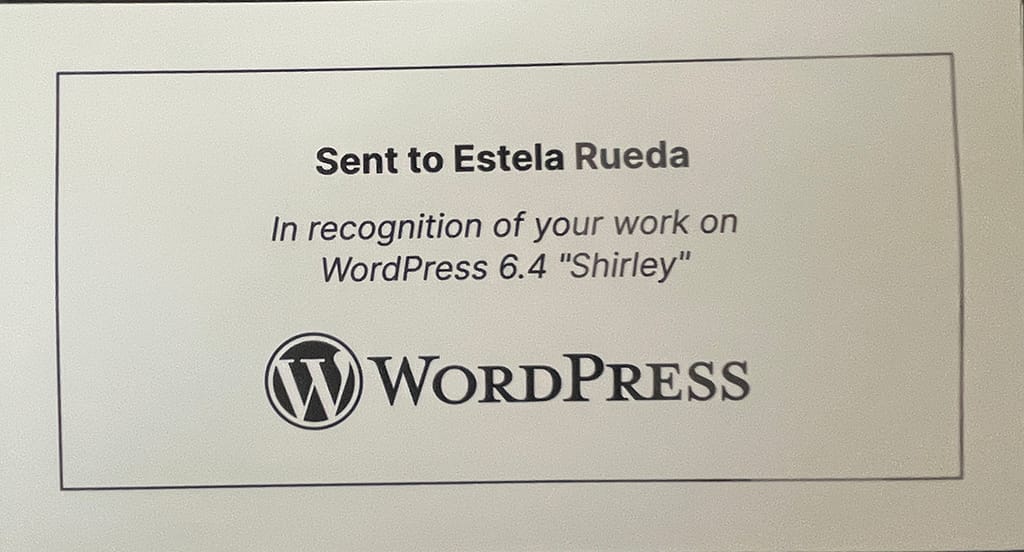
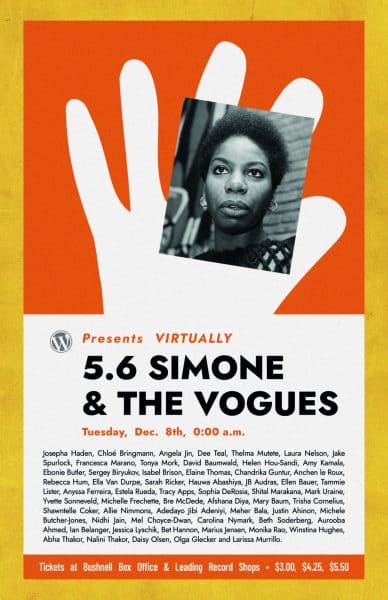
I want to thank WordPress for the nice gift for my participation in WordPress release 6.4 as Design Co-Lead. I had a great experience working together with amazing designers like Ellen Bauer, Allison Tarr, Ana Cirujano, Cathi Bosco, Sonia Gaballa, and Ohia.
Thank you Matt for being so thoughtful and recognizing the work of contributors. The record hangs nicely on my office wall.
20 years ago, WordPress found its way into this world and I have been working with it almost from the beginning. Well, 3 years after the first version launched and then again 5 years later.
It was 2003 when I moved back to the US. After a divorce and a child in my arms, I wanted to find a job that allowed me to stay home and raise my son but alas, the concept of distributed teams didn’t exist back then.
One day, at a FOSE conference (a cool IT conference/trade show for government in DC), I was standing right by the Macromedia booth and I got the lucky winning number and went home with a full Macromedia set in a plastic case with about 6 CDs.
About a year later, I discovered I could set my own business as a virtual assistant. I could work from my computer and stay home to care for my son. Except that I needed to learn how to build a website.
Working on the Internet
I learned that Macromedia had a software called Dreamweaver and I could build a website with it. Since I am pretty good at following instructions, I started asking around. Firefox wasn’t very helpful and Google wasn’t the information monster it is now. So I hit the library for books about Dreamweaver and Fireworks.
Once at the library, I realized I had forgotten the sticky note with the names of the programs so I opted for my memory and I got 2 books: Dreamweaver 7 and something that was Fire-something. That Fire-something book turned out to be a book on how to install and search on Firefox ????. I didn’t give up.
Back then, I was also a member of a group called DC Web Women, a group of women in tech founded sometime in the 90s. Those women were my source of truth and I literally learned how to build my first website by asking questions.
While in the process someone recommended I checked WordPress out, perhaps it could helped me out with the buttons and the menu, which were the 2 things I struggled the most.
Meeting my nemesis
My first visit to WordPress.org was sometime in 2006, I looked for documentation and immediately, the Codex became my nemesis. I am not a developer, have never been a developer and will never become a developer, but the documentation in the Codex made me say something like ‘holy cannoli this is written for geniuses.” I ran away from WordPress and finished my first website with the help of Dreamweaver and Fireworks in CSS and HTML.
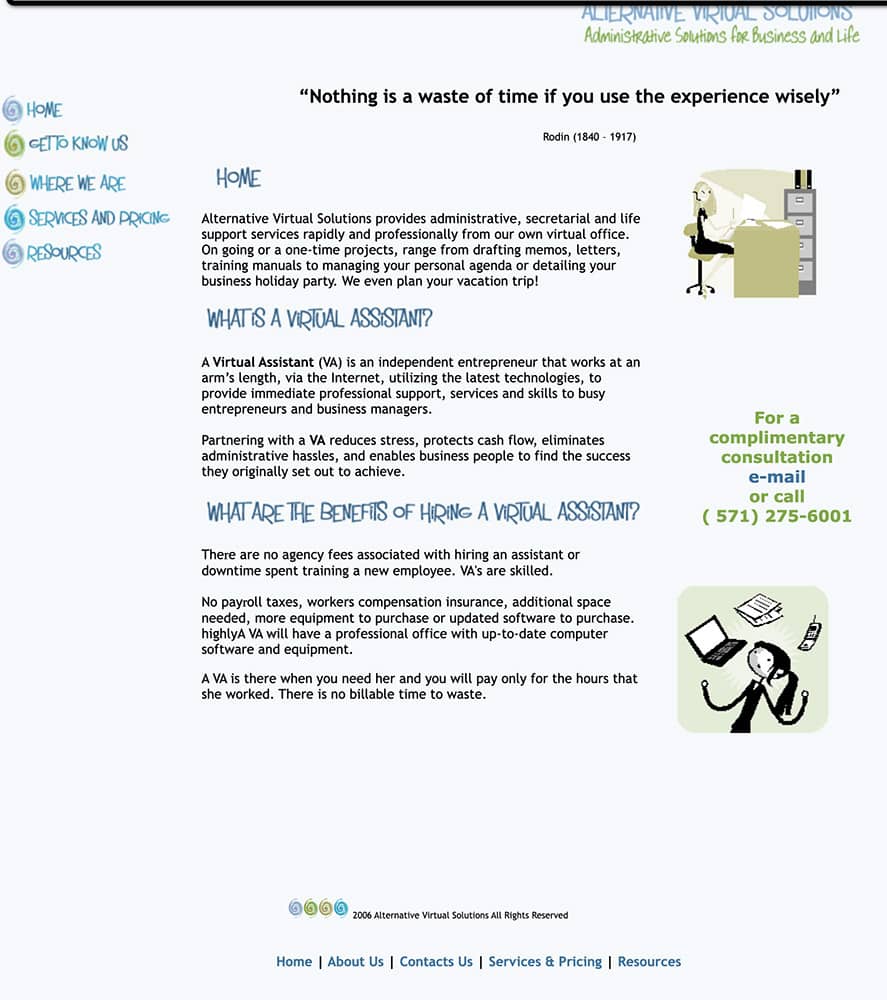
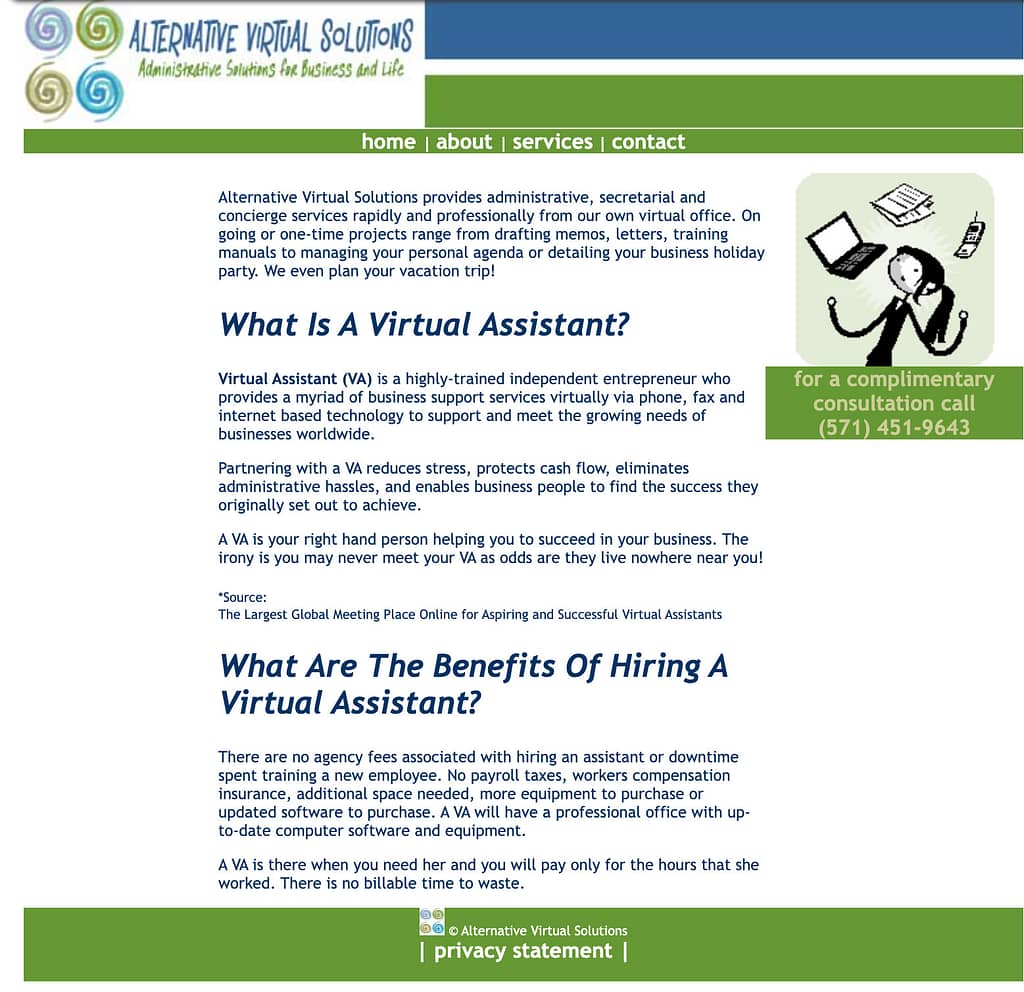
My first site built with HTML, CSS and some fancy Fireworks buttons. Cliparts courtesy of my computer.
Since that first visit, I became obsessed with documentation and simple language. I studied a lot to learn my way around the internet and I loved talking to my clients in an easy-to-understand language, zero developer jargon.
2010, the year I fell in love with WordPress
Around 2010, I took a class at the Northern Virginia Community College and learned how to build a website in WordPress. Someone had to teach me cause the Codex was still incomprehensible to me.
The first website I built in WordPress in 2010
Until the year 2017, I built about 30 WordPress sites for small businesses, not many because it wasn’t really the focus of my own business but I enjoyed it and had fun with it.
2017 was also the year I moved back to The Netherlands and I discovered the WordPress community. That year I attended my first WordCamp in Utrecht and ventured to WCEU Belgrade in 2018. Being in The Netherlands helped me get close to the Dutch community, they helped me navigate my way around the global community. In Belgrade I met many members from the Spanish community, my forever friends.
Contributing to WordPress
It was during WC Utrecht that I learned about contributor day, I didn’t do much the first time. I walked around the venue, moving from table to table, totally lost and in awe at the same time. They were some of the people that helped build the software I so much loved!!
Contributor Day at WCEU in Belgrade was intense and the design team weekly meetings on Slack were like lessons on steroids. I learned more about WordPress in a month than I did in 7 years.
For the next few years, I volunteered at WordCamps in The Netherlands and then at WCEU in Berlin. It was Contributor Day in WCEU 2019 when I faced my nemesis again, the Codex, but I didn’t know. It was the day I was invited to help redesign the documentation pages on WordPress.org. Several meetings later, I realized that some Codex articles were moved to HelpHub, the end-user documentation, and others to DevHub or developers.wordpress.org. The Codex lifeline is expiring.
I still contribute to WordPress and have huge plans for my future contributions so the rest of the story will be another long post about my contributions to HelpHub, personal struggles and the support of the WordPress community.
In the past couple of weeks there has been much talk about WordPress.org’s Five for the Future program. The discussion is long and has many ramifications and you can read this post from The WP Minute if you want to learn more.
Among the Twitter conversations and Post Status’ Slack I read about people only being able to contribute 1 to 2 hrs per week and that does not equal to the 5% of much. Let’s get back to what Josepha Haden Chomphosy said in WP’s podcast: Five for the Future’s True Intentions.
The 5% in Five for the Future is aspirational… not a requirement.
Let’s put things in perspective
Of course it is aspirational. And those 1 to 2 hours per week are needed in the WordPress project more than you think. That amount of time will have great impact in the work we do.
WordPress.org is not only core and it is not all about the code. There are many other things we do to maintain the project alive. So perhaps we have failed at letting new contributors know what they can do with their minimal time.
See, we are so happy when new contributors join us that we welcome them with open arms and give them all the freedom to contribute as they wish. But the WordPress project in itself is huge and it can be a daunting rabbit hole when you have no guidance.
I think, it is time we cut their wings a bit and start pointing some fingers, not at people but at tasks.
I have gathered a list of tasks anyone can contribute in less than 3 hours per week to the WordPress Project. One caveat, I do not contribute to every WordPress team, so I am only mentioning the ones that I am aware of. These are smaller tasks but in any way less important.
Documentation
The docs team meets weekly, twice a month there is a meeting to update or discuss specific projects/collaborations. The other two weeks is issue triage for documentation. The team meets on Tuesdays at 14:00 UTC. For more information checkout this post about Onboarding to the Documentation team.
Review old and broken links in documentation
Review code in documentation
Add new screenshots to articles (some features change after WordPress version is updated)
Write an article for either end user or developers documentation
Take notes during meetings
Learn
The training team is creating lessons and tutorials for WordPress. No need to be certified trainer to help out as there also tasks that would support the team. The team meets on specific dates and times for Americas/EMEA and APAC teams. Attending a team meeting and reading the handbook are the best ways to get started.
Are you a non-English speaker? help translate a lesson.
Core
Core is broken into smaller teams. There is no best place to start, I suggest find what interests you and go from there. Attending a dev chat is also a great way to familiarize yourself with how the team works.
Participate in bug scrubs for WP versions or components.
Checkout the Good First Bugs report and create or test patches and comment on Trac tickets.
Take notes during Dev chat. Meetings are every Wednesday at 20:00 UTC
Test
Test team is busy now with Full Site Editor and have been working on feature and block testing. We recently had a usability testing session that lasted about 20 minutes. The team doesn’t meet regularly but you can drop in the Slack channel with questions or feedback anytime.
Participate in an FSE testing call.
Test blocks or FSE features and report results, issues and bugs in the teams Slack channel.
Although not all 21 make teams in WordPress.org are looking for contributors with short amount of time available, there will always be a team or two who will mostly appreciate your contribution. And as I say before, it is not an exhaustive list and I would love to add more items to the list in the future.
For the past 2 years I have been busy reading and reviewing the end-user documentation in WordPress.org. The goal was to create a new design for the articles as they look outdated. The hidden problem was the problematic search, which is far more important than the way a page looks. This project is written into two parts.
The discovery phase
While reviewing the documentation, I found discrepancies in the navigation. Discovered that several articles were included in more than one category, the article listing changed when going back in the browser and there was no clear navigation.
The revision included the 15 requirements that the documentation team had gathered during the migration of the documentation from the Codex (the previous documentation repository for the WordPress Project.)
The most urgent issues to solve were the navigation to improve search and the user experience and, identifying the users.
Methodology
I didn’t follow any specific methodology. After researching documentation sites for several software companies, open-source and privately-owned, I understood the path to follow.
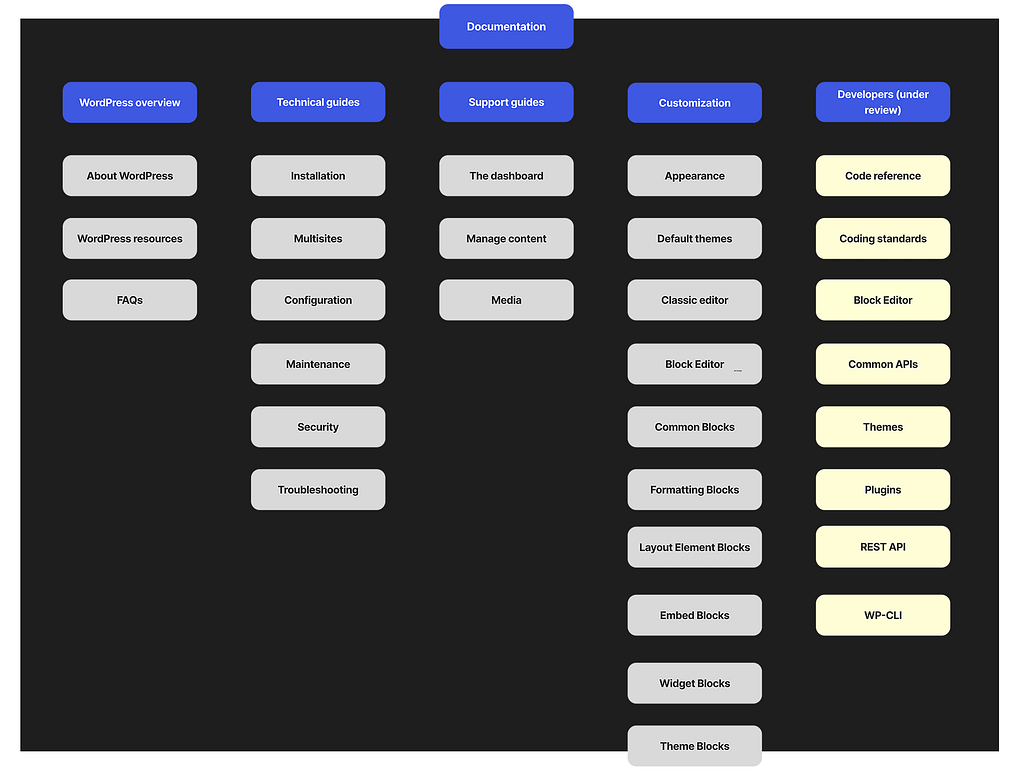
The path guided to find the four pillars to create the sitemap. When thinking of how to structure end-user documentation it is difficult to think about new, intermediate or advanced users because one cannot really identify who is whom or what level is each user. Instead, it is best to follow a “step-by-step” build; what do I need to know before building a site, what are the requirements, any technical hiccups (maintenance), etc.
What is WordPress? What is its story? Is WordPress the best CMS for the user’s project?
What does the user need to create and maintain a WordPress blog or site? First steps, requirements, maintenance, troubleshooting
WordPress dashboard – daunting for new users, get to know your new software, how to add content, how to manage media.
Customization – themes, blocks, FSE, plugins, colors, etc.
Identifying the end-users
Creating personas for a software that is used by millions of people is absolutely useless. As soon as one persona is created, you leave out 99% of the users. Instead, I identified users by roles.
The non-developer users that search WordPress end-user documentation falls into any of these roles:
Bloggers – new or not, anyone who writes a blog and wants to customize it without the help of a developer.
New users looking for a CMS to build a website.
Content creators that are looking for content to create tutorials or references for their own products.
WordPress consultants that provide service to clients.
Support teams from companies that look for content to support their own products/services or, that provides tech support for their clients.
Translation teams/contributors that are translating documentation into their own languages.
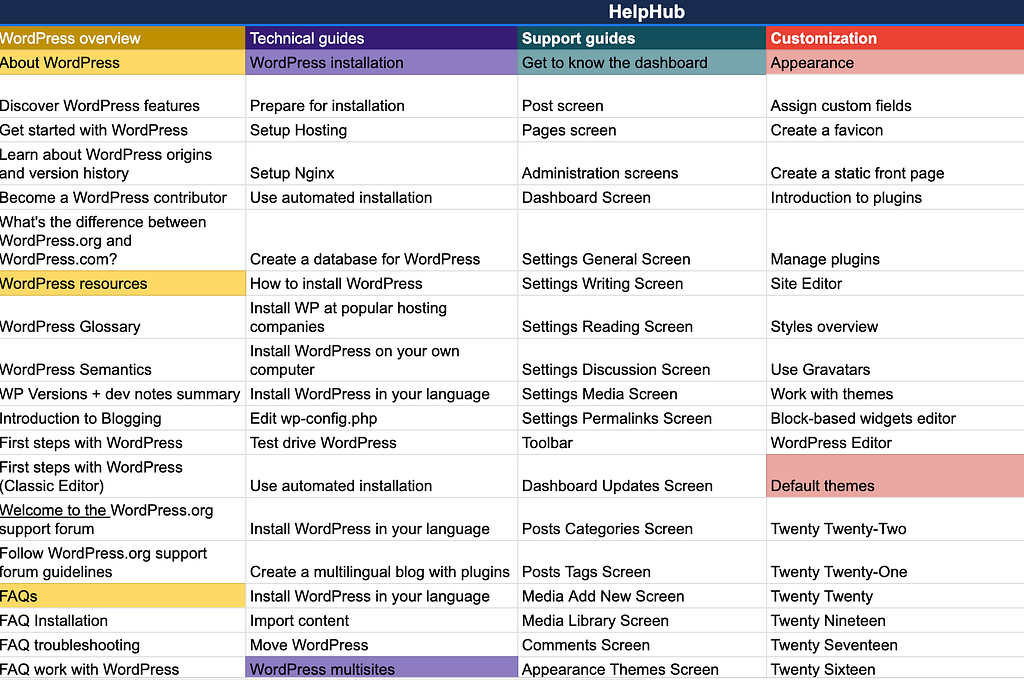
The result: a new site map for WordPress.org Helphub
There were 170 articles written when we started the reclassification. The new WordPress features including the Block Editor, Full Site Editing and new blocks, increased the number of articles to about 250 and there are plans to write more. The reclassification needs to take into account the growing needs of WordPress.
The site map now includes 4 main categories with subcategories under each to allow growth. Below is an image of the recommended sitemap. The developers column is under review.
All I can say is Yoast is awesome! As contributor the encouragement received from Yoast, besides the financial contribution, is a great feeling and I am really grateful for their support.
This contribution helped me invest more time into the reclassification of the articles inside HelpHub. HelpHub is the documentation for end-users within the WordPress project.
I made few design contributions to WordPress as part of the all-female WordPress 5.6 release team. Most of them are so tiny they went unnoticed but that’s for another post.
Why did I join a release team?
Is it easy to be a part of a release team? Is there a lot of work involved?
I had the opportunity in the 5.5 release to be an observer and to design the About page for the 5.5 release. The learning curve for me was intense being this my first big contribution to an open-source project.
What was in it for me?
I immediately accepted when asked to join the release squad. Accepting this challenge meant self-recognition to my professional growth and I was losing my inhibitions for involving myself more in the project.
The experience was astounding. Not saying that everything was 100% perfect and all lovey-dovey, but I prefer to focus on the positive. The most important aspect about my participation was the learning experience.
As a designer, it wasn’t really a lot I could help with. With few design issues to resolve after releasing 5.6 Beta 1, there wasn’t much for me to do. Instead of staying behind, I made myself available during each release to support others, whether it was looking for links to write the posts, reviewing posts, or simply cheering the core team, I was there.
Yes, I learnt a lot about how WordPress is built. I also learnt about camaraderie and the dark-side of time zones – Slack chat at 1 a.m. anyone? While we waited for the systems to roll, we enjoyed some mom jokes and asked questions about the process.
In the end, I was proud to see my name on the list. Most rewarding, I’ve come a long way and I have a new tribe.